
AI-native prototyping
Build-ready prototypes for startups
Prototype before you build. We make clickable prototypes that behave like the product, so you can decide with something real in your hands, and your developers can carry it forward instead of starting again.
What is a build-ready prototype?
A build-ready prototype is a clickable version of a product that uses real states, real copy and the same design tokens and components the developers will build with. Because it is made from the product's own system, it hands over to development instead of being thrown away.
A throwaway prototype answers one question and then gets rebuilt from scratch. A build-ready one answers the question and becomes the reference the product is built from.
Why prototype before you build?
Code is the most expensive place to change your mind. A prototype lets you click through a flow, compare directions and settle the hard questions (what comes first, where the paywall sits, what a screen says) while a change still costs hours, not sprints.
It also gives everyone the same thing to react to. Founders, investors and developers stop debating a description and start pointing at a screen.
Which kind of prototype do you need?
We make three, and pick the lightest one that answers your question.
-
01
Fast explorations
Quick drafts in Figma Make or Claude Design to put several directions side by side.
For choosing a direction early.
-
02
Clickable prototypes
HTML or React prototypes that behave like the product, not linked frames, built on your tokens and components.
For testing decisions on real interactions.
-
03
Production front ends
Next.js and Tailwind CSS, with motion in GSAP or CSS, when the prototype should become the product.
For shipping what you tested.
How does AI help with prototyping?
AI lets us explore wide and fast, so many directions can be explored in days. Claude Code builds from the written specs and tokens, and stops to ask when no token fits.
The choice is never the AI's. A senior designer decides which direction goes forward, and why, and approves every screen before you see it. The result is fewer, better decisions, not more screens. More on that in how we design with AI.
What you get
- A clickable prototype with real copy and every state that matters: empty, loading, error, success.
- Tokens and components named the same in Figma and in code, from our atomic design system work.
- Written flow specs your developers and their AI tools can read.
- A decision log of what we compared, what we chose and why.
Not sure what to prototype yet? Start with product strategy, or see the whole path from idea to build-ready product. When the prototype should ship, that is design engineering.
Lula: three onboarding prototypes
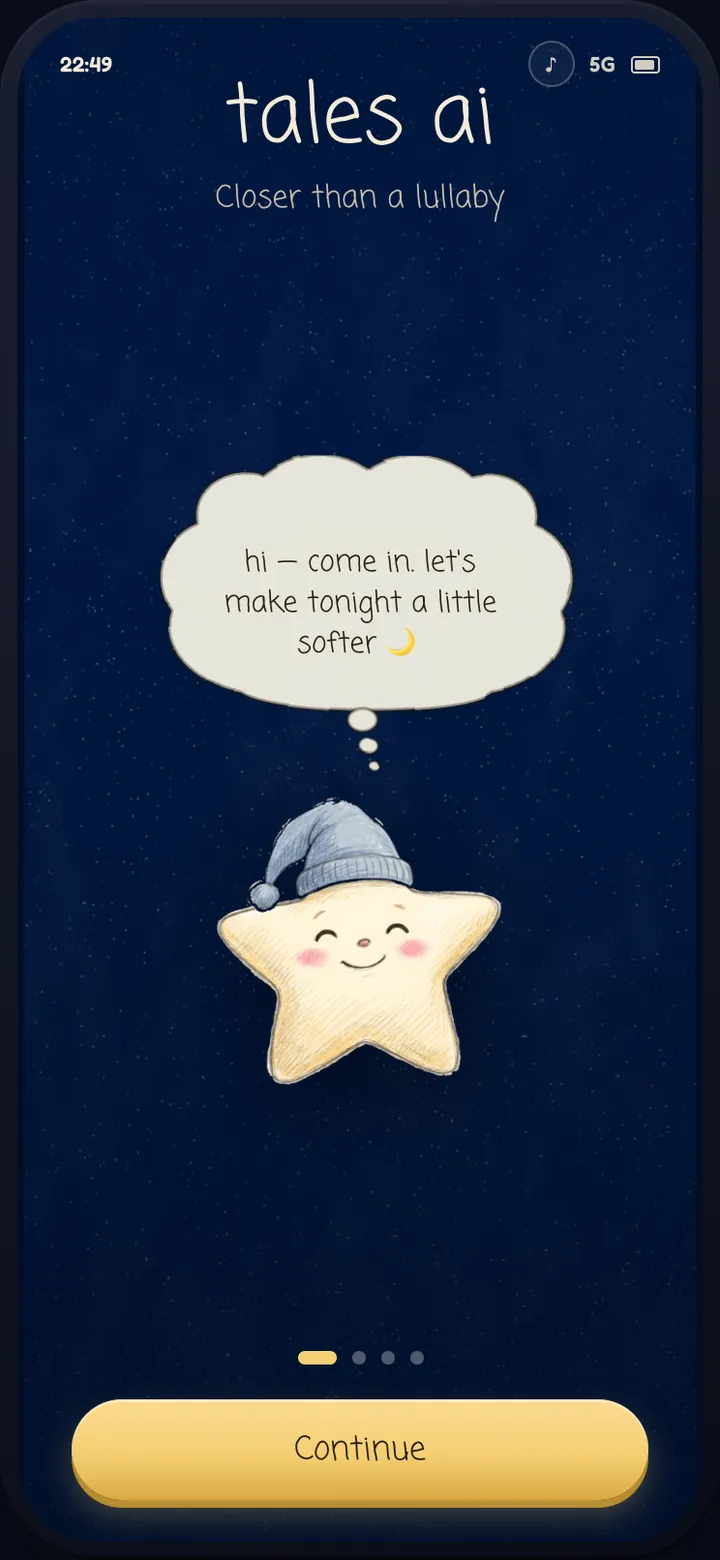
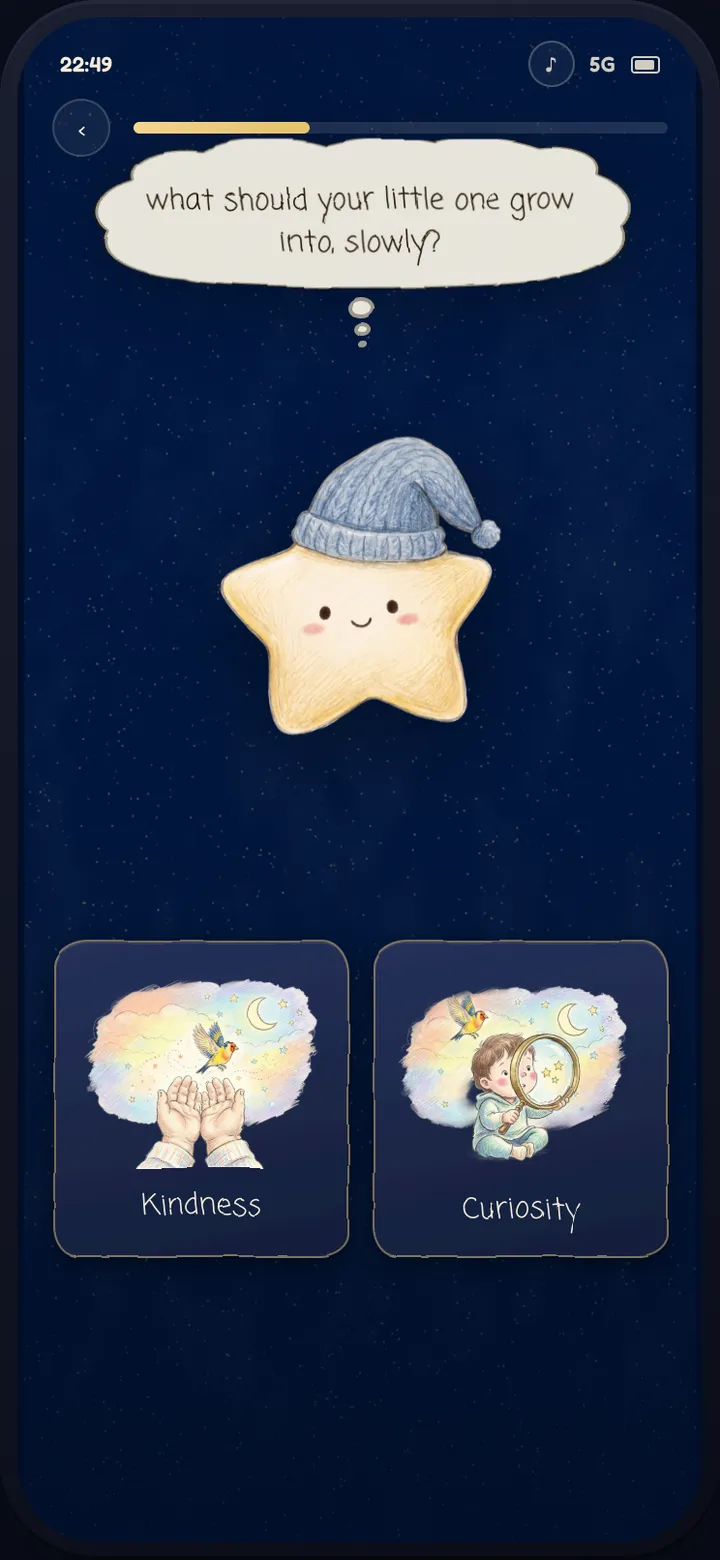
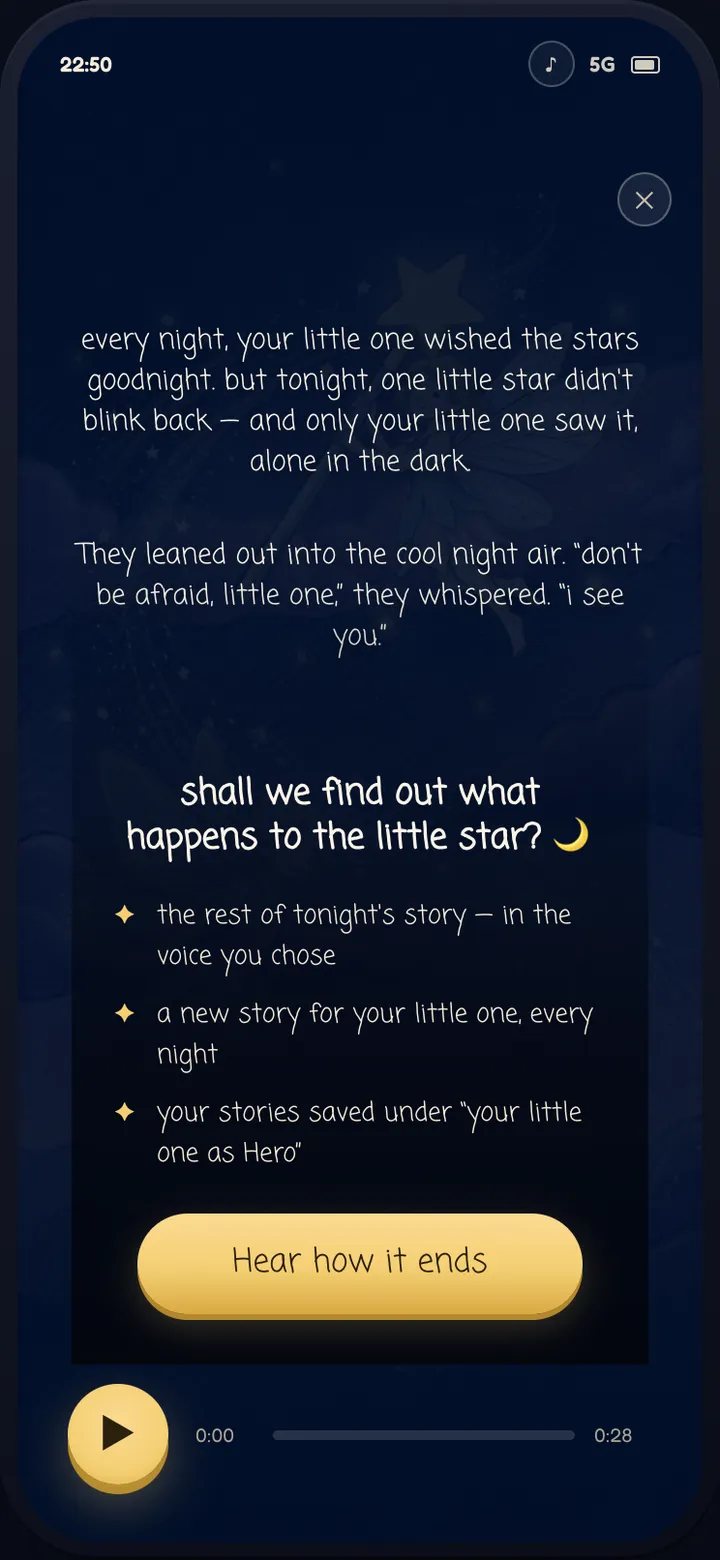
For Lula, an AI bedtime-story app, we made three clickable onboarding prototypes in about two weeks. After an internal review of version one, we reworked eleven points, which led to the read-along paywall in version three: the first story comes before the paywall. The version-three onboarding is what the client's developers built. Read the Lula case study.
Tales AI: designed and built
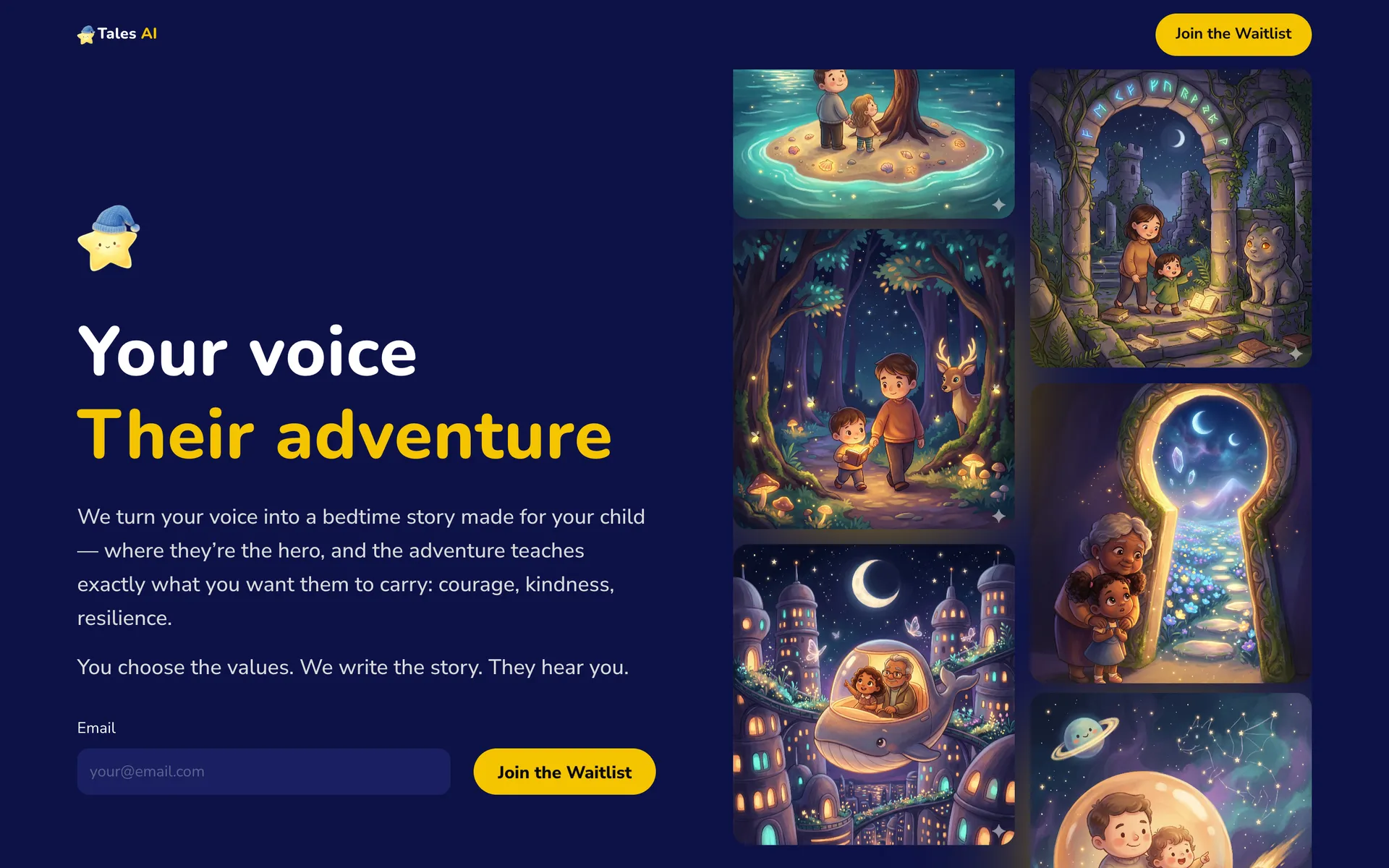
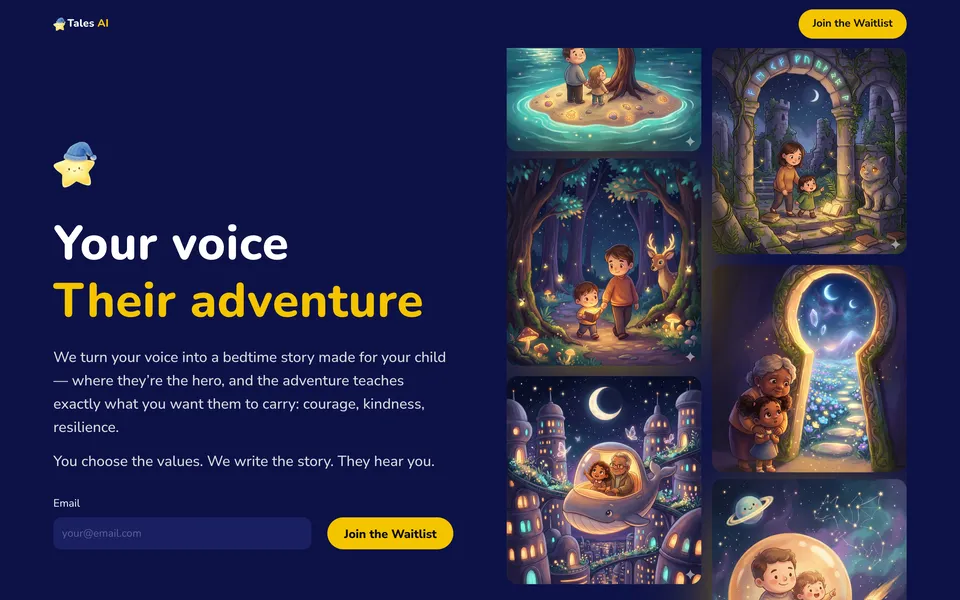
The pre-launch waitlist page for the same product went straight from design to code. We designed it and built it ourselves in Next.js, Tailwind CSS and GSAP, so nothing got lost between the two. Read the Tales AI case study.
FAQs
What founders ask before we prototype.
Figma prototype or coded prototype?
Figma Make or Claude Design when you need to compare directions quickly. A coded prototype in HTML or React when a decision depends on how the product behaves: timing, input, transitions, real content. Coded prototypes also hand over more directly to developers.
Can we test it with users?
Yes. A clickable prototype is designed to be put in front of people, so you can see how they move through a flow before anything is built. We shape the prototype around the questions you want answered.
Does the prototype become the product?
It can. Because it uses the same tokens and components as the build, your developers can carry it forward. When the prototype should become the product, we build the front end in Next.js and Tailwind CSS ourselves.
How long does it take?
It depends on the scope. For Lula, three clickable onboarding prototypes took about two weeks. We agree the scope with you on a first call.


Send us your messiest brief.
Senior design, sped up by AI, decided by people.