
AI-enhanced design
AI does the legwork. A designer makes every call.
How we design UI, UX and products for startups with Claude Code, Cursor, Claude Design and Figma Make, on atomic design foundations that let your product, marketing and motion grow from one system.
What is AI-assisted product design?
AI-assisted product design means the repetitive parts of design work are done by AI agents: turning research into findings, checking every value against the design tokens, auditing motion and copy, writing tests, drafting handoff notes. The decisions are not. What a product should do, how it should feel and what ships stay with a senior designer.
Some call it AI-powered design. We call it AI-assisted, because the AI never works alone. It reads the same specs we write, stops and asks when something needs judgment, and nothing it makes reaches you before a designer has approved it.
One cycle, seven gates
Figma is where it is designed, ClickUp where it is tracked, Slack where people talk, and Claude Code where it is checked and built. The specs are the shared brain. A designer decides at every gate.
-
01
Set up
AI scaffolds the project specs, runs a baseline audit and drafts specs from the Figma file.
Designer approves the structure.
-
02
Intent
AI turns raw research into sourced findings and drafts the intent.
Designer writes the acceptance criteria and approves them.
-
03
Design
AI prototypes from the specs and tokens, and stops to ask when no token fits.
Designer designs in Figma and answers the questions.
-
04
QA
AI runs design QA, token and motion audits, and a UX and copy review.
Designer fixes the gaps and approves any spec change.
-
05
Review
AI collects stakeholder comments from ClickUp and Slack and drafts the triage.
Designer accepts, rejects or defers each one.
-
06
Build and release
AI tests the build with Playwright and checks it against the approved design.
Designer approves the handoff and signs off the release.
-
07
Learn
AI proposes updates to the specs and the decision log.
Designer approves them, so the next project starts smarter.
The tools, and where each one fits
Every tool has one job. Anything worth keeping ends up on the tokens and specs.
Design
- Figma
- The source for designs and visual values: variables, components and review versions.
- Figma Make
- Fast, throwaway prototypes and explorations.
- Claude Design
- Quick visual drafts and directions to react to.
Build and check
- Claude Code
- The hub: runs our agents, audits, fixes and drafts, and reads the specs first.
- Cursor
- Where your developers build. Our specs and tokens are written to drop straight in.
- GitHub
- Each project repo: specs, fix branches and release history.
Reference
- Mobbin
- Real-world flows and patterns, each saved with a source note.
- Refero
- UI and web references. Cited in research, never copied into specs.
Track and talk
- ClickUp
- The record of tasks, findings and stakeholder comments.
- Slack
- Where feedback arrives. Messages are drafted first and sent after approval.
What AI fixes, and what always waits for a designer
Every audit finding is either mechanical, with one exact answer, or a decision. AI only handles the first kind, and every fix is proven by a test before it counts.
Fixed automatically
- A raw colour, spacing or radius that exactly matches an existing token becomes that token.
- A raw duration or easing that matches a motion token.
- A missing reduced-motion fallback, written the way the motion spec describes.
- Each fix lands on its own branch with a test, for a designer to review.
Stops and asks
- No token fits, or the nearest one differs from what was used.
- Figma and the spec disagree.
- A state nobody defined, or a contrast failure that needs a visual change.
- Any change to a spec, to the Figma file, or anything sent to you or your team.
The AI never loosens a check or edits a spec to make a test pass. After two failed attempts it stops and asks instead of trying a third time.
Atomic design foundations
One system, everything grows from it.
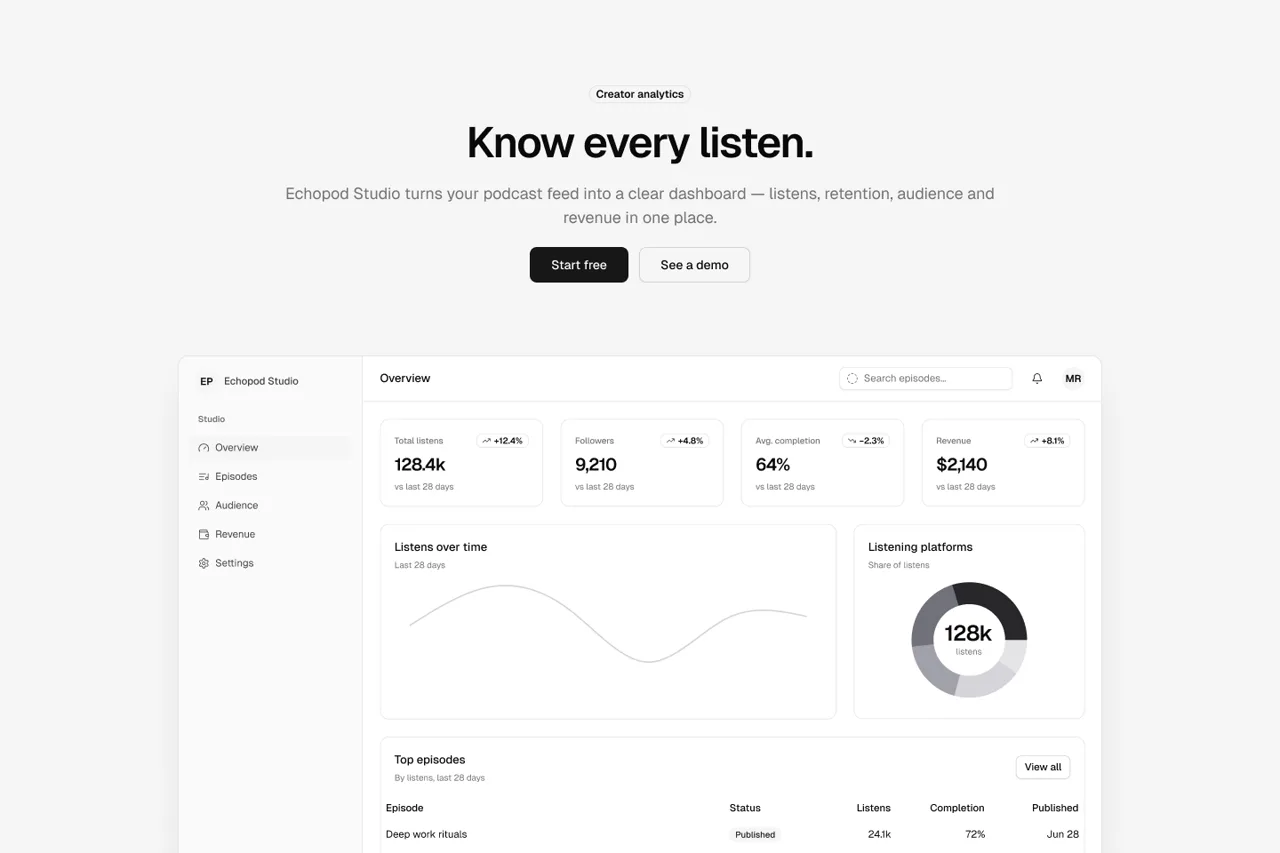
We build the foundations first: variables for colour, type, spacing and motion, named the same in Figma and in code. Components are made from those tokens, and screens from components.
Because everything traces back to the same tokens, the UI, the marketing pages, the motion and the showreels stay consistent as you grow, and AI agents can check and extend them without guessing.
What you get
- A token-strict Figma file. Every value bound to a variable, named the same as in your code.
- Component specs your developers and their AI tools can read.
- Cursor-ready handoff that drops into your team's setup without translation.
- Audit reports and tests that show what was checked, and how.
- A decision log, so the reasons behind the design outlive the project.
FAQs
What founders ask about AI in design.
Is AI-assisted design good enough to ship?
Yes, because nothing ships on the AI's say-so. Every screen passes design QA, a stakeholder review and a release check against the approved Figma file, and a designer signs off each one.
Does AI replace the designer?
No. It replaces the repetitive parts: token checks, audits, first drafts and test writing. That leaves more of a senior designer's time for the decisions that shape your product.
Which AI tools do you use?
Claude Code for agents, audits and builds, Cursor for code, Claude Design and Figma Make for quick explorations, and Figma as the source of truth. Mobbin and Refero for references.
Who approves what?
A designer approves every stage. Anything sent outward, like a message or a status change, is drafted by AI and sent only after a person approves it. Spec changes always need approval.
Can you work inside our Cursor or Claude Code setup?
Yes. We hand off specs and tokens your developers can use directly in Cursor, and we can set up Claude Code skills tailored to your product.
Send us your messiest brief.
Senior design, sped up by AI, decided by people.